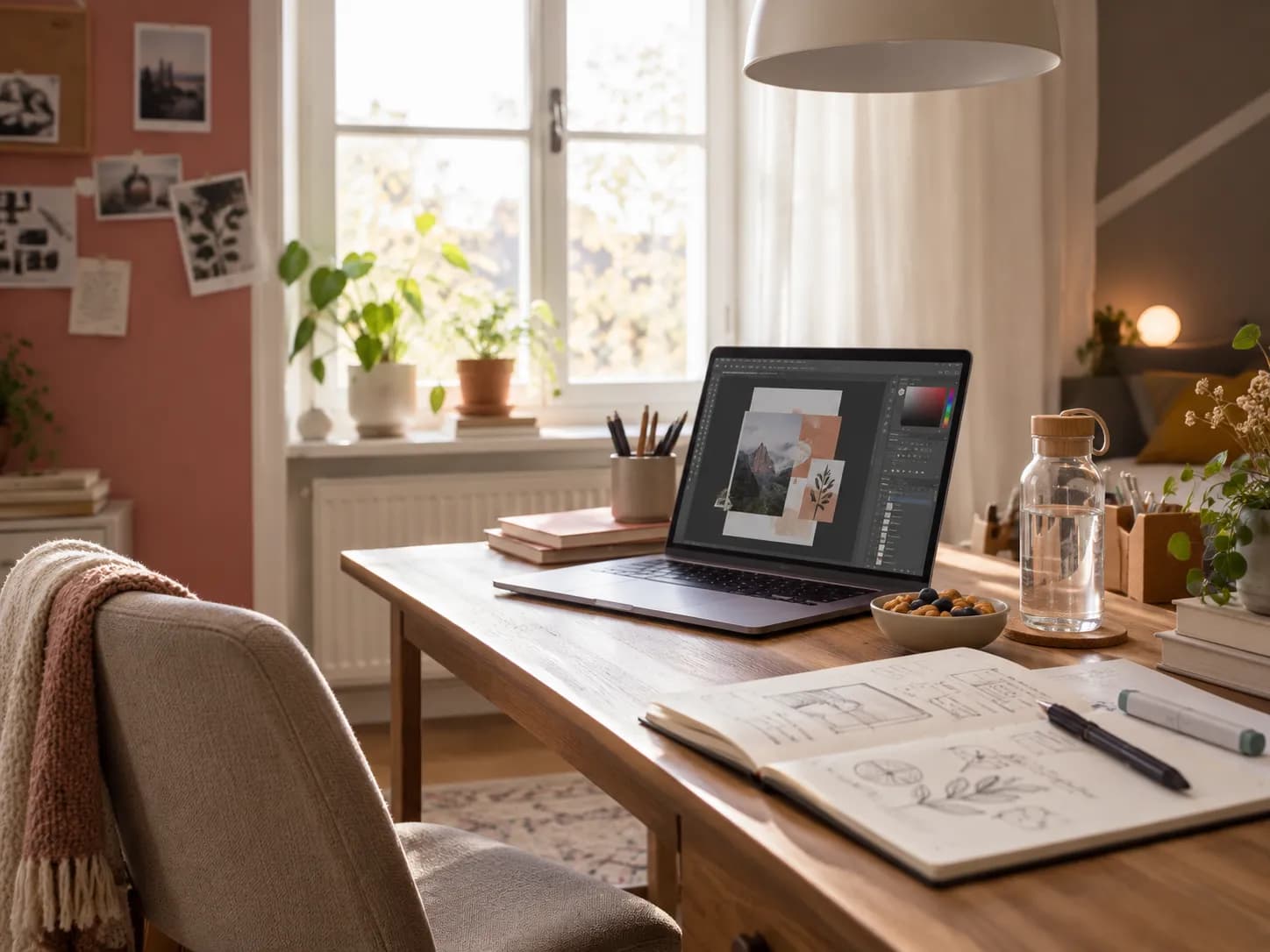
Graphic Design
Launchpad
Learn. Create. Build Your Portfolio.
A hands-on online course to master Photoshop, Illustrator, AI tools and real-world design projects — and become job or freelance ready.
Who is This Course For?
This course is designed for anyone who wants to build real skills in graphic design, create professional work and grow in their creative career.

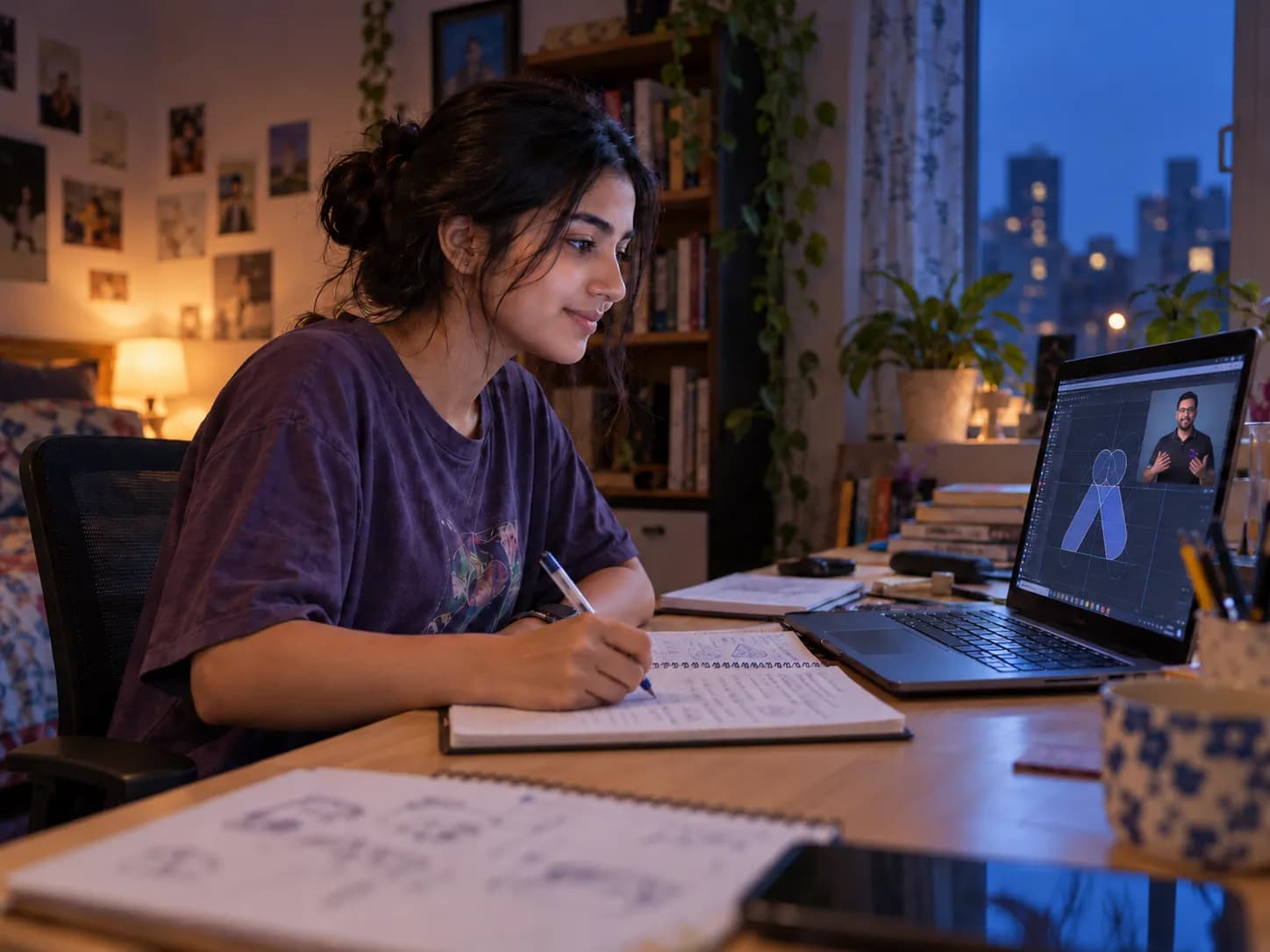
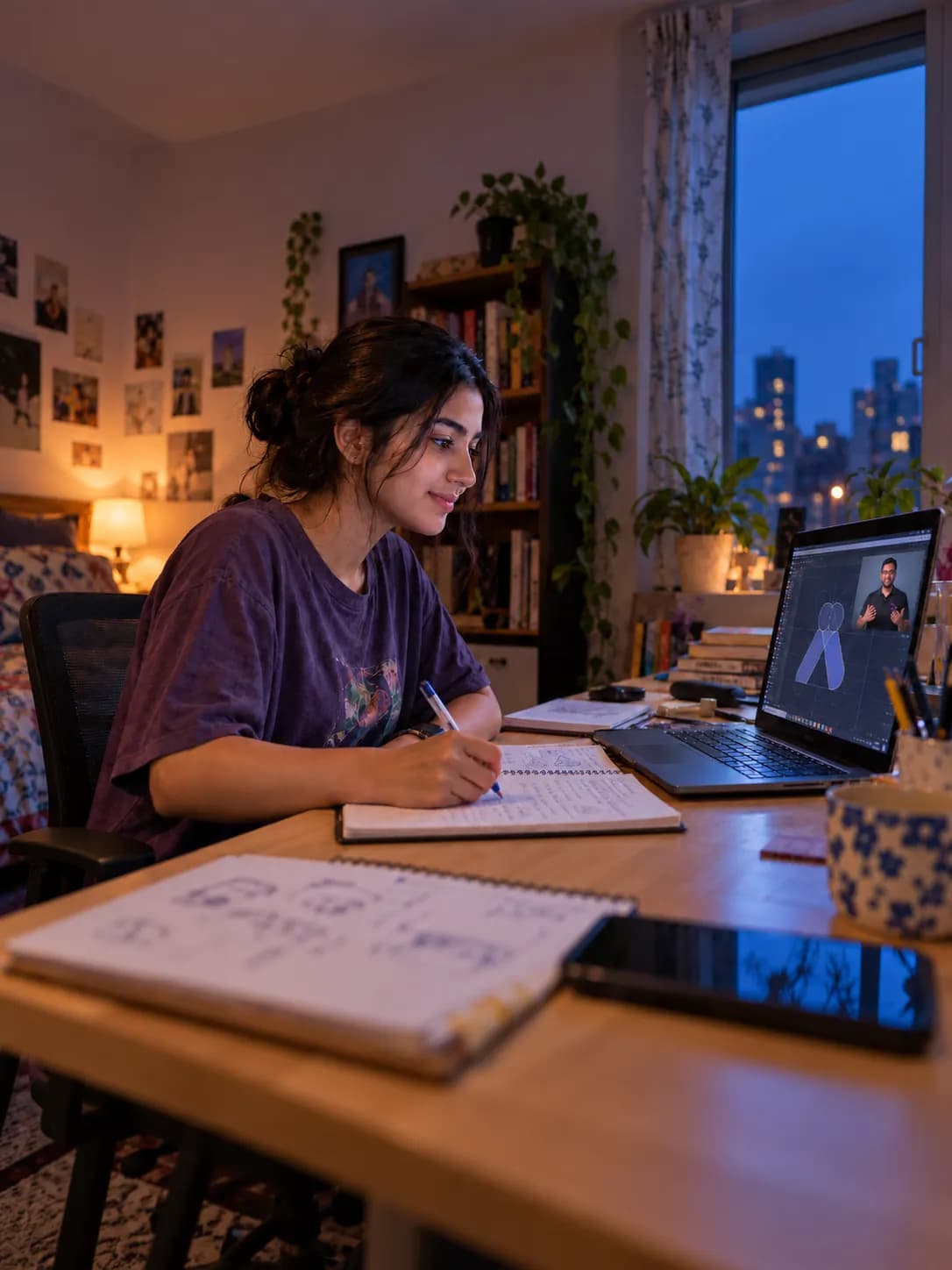
Students & Beginners
Starting from scratch? Learn step-by-step and build a strong portfolio with real projects.

Working Professionals
Upgrade your skills, switch to a creative career or add design skills to your current role.
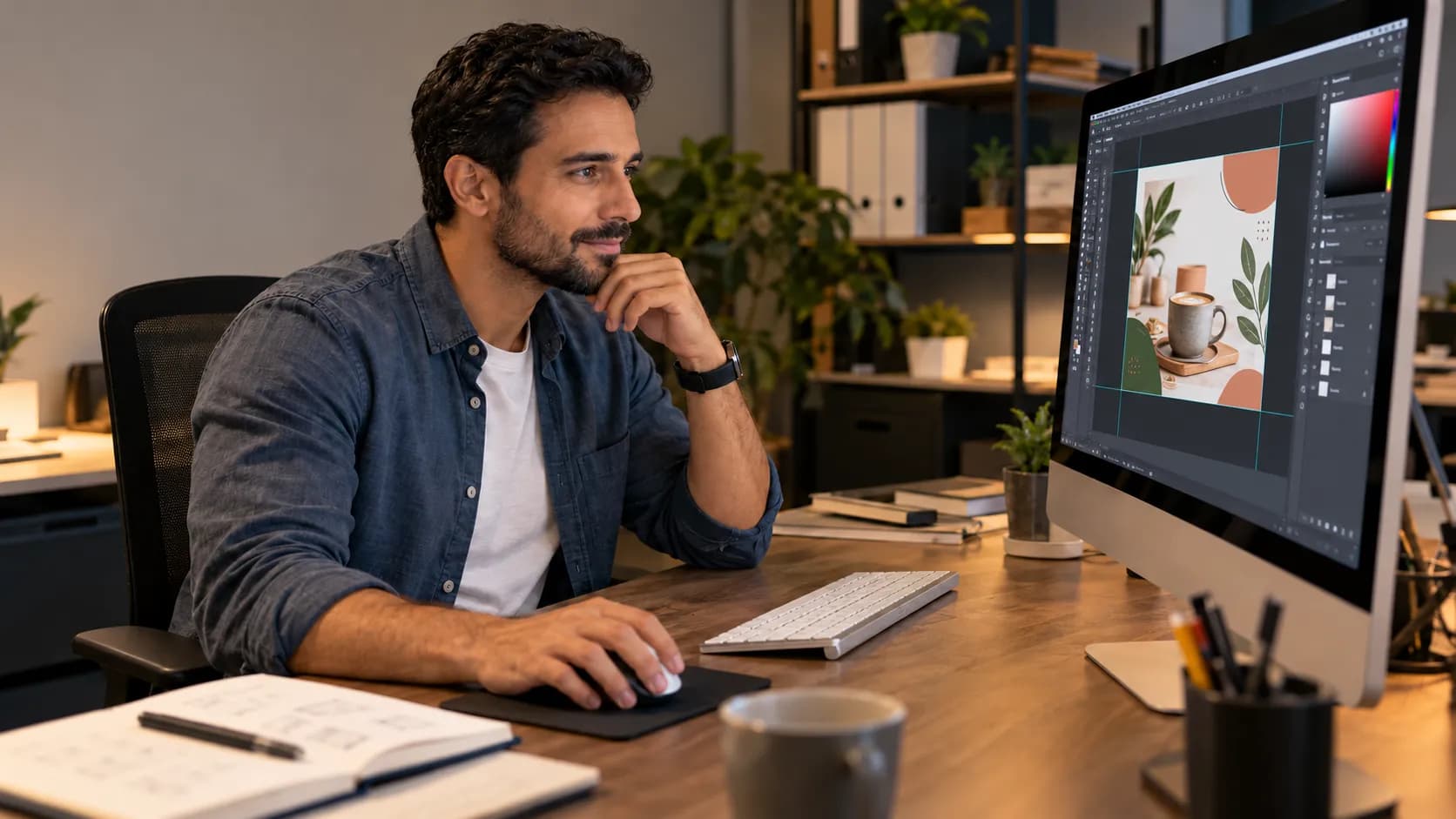
Creative Enthusiasts
Turn your passion for design into practical skills and create work you're proud of.
What You'll Be Able To Do After This Course
Go beyond learning tools — create real work, build a portfolio and open new opportunities in the creative industry.
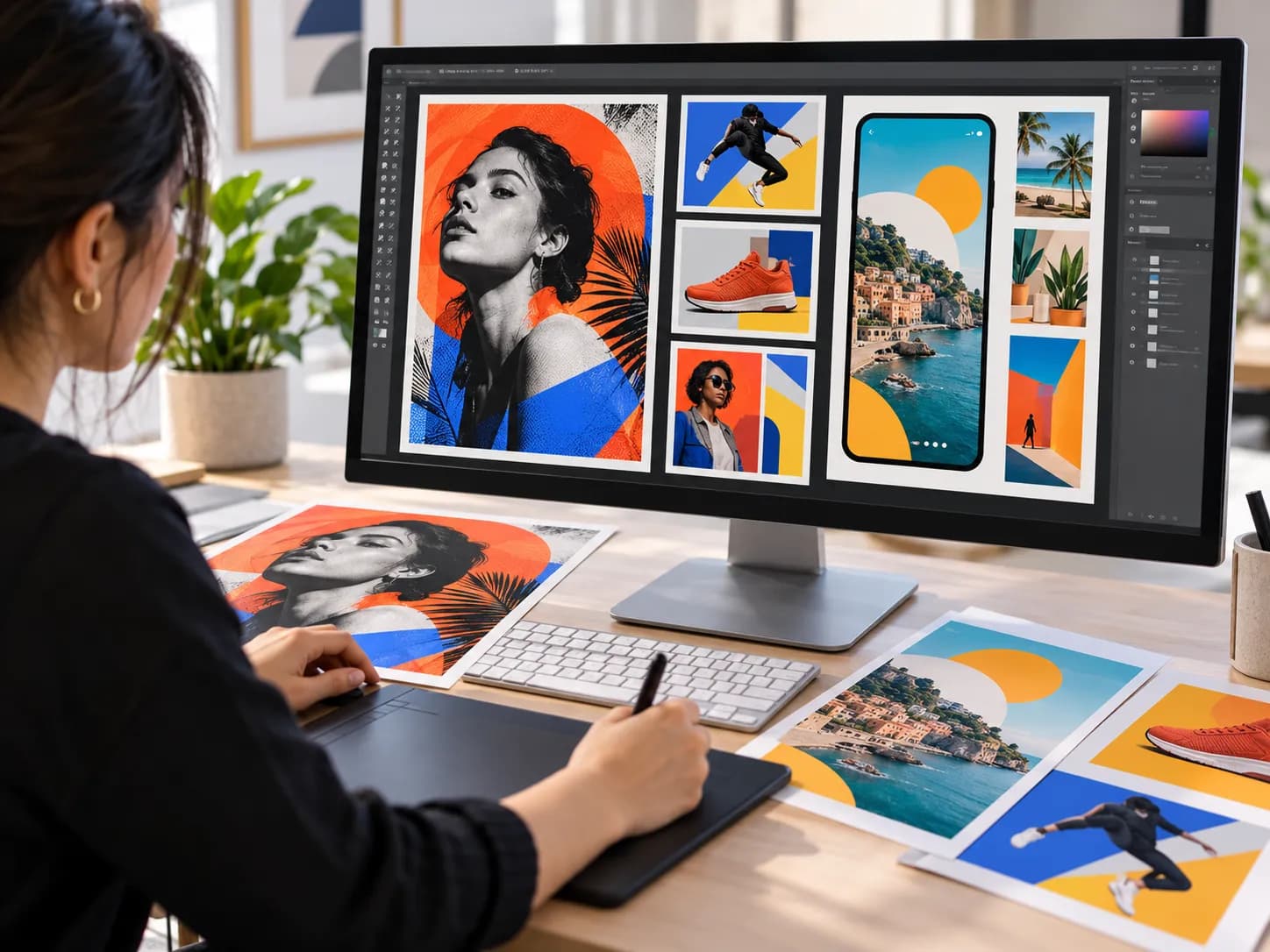
Design Visuals That Grab Attention
Create posters, social media creatives, ads and more.
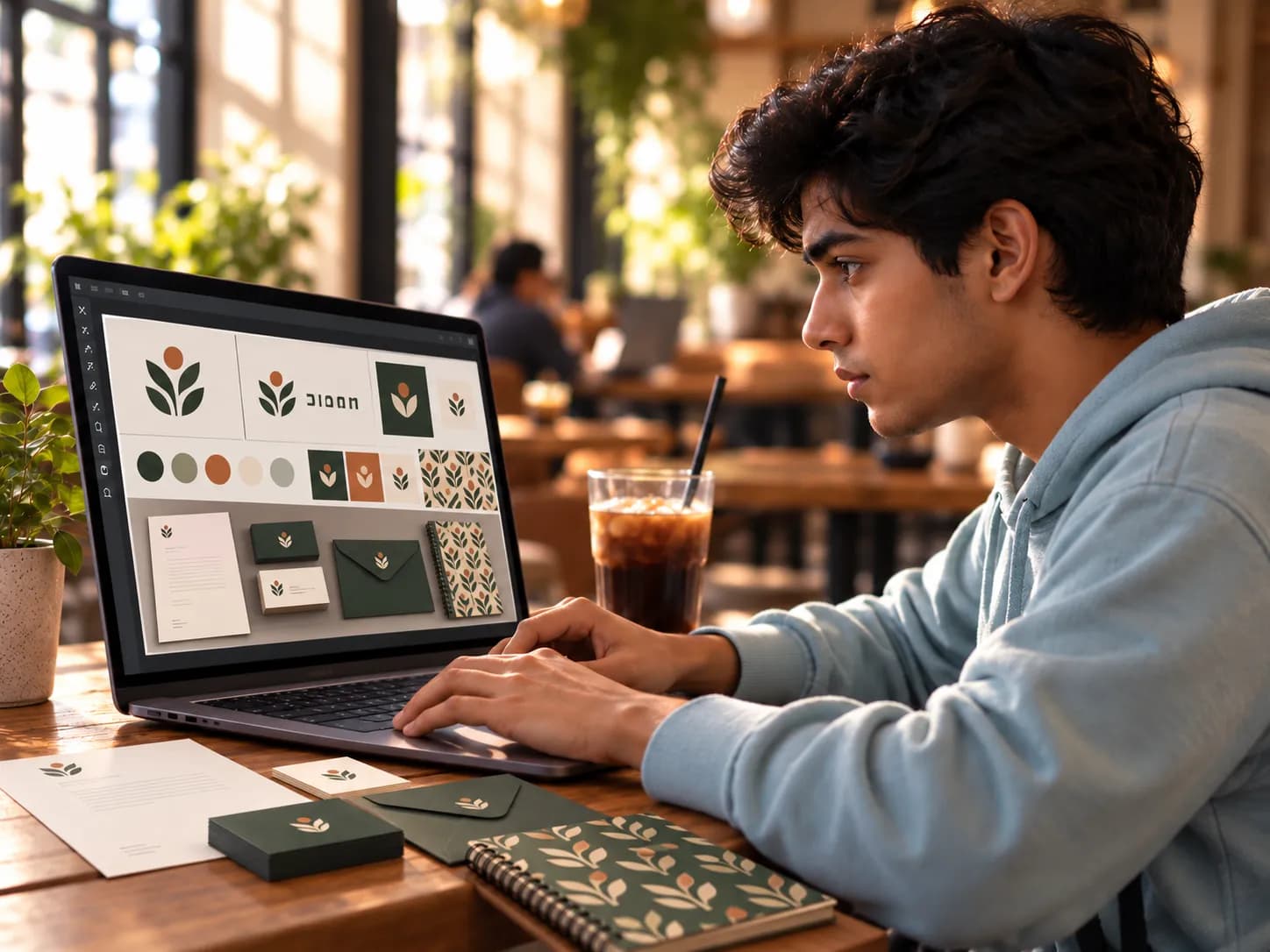
Build Brand Identities
Design logos, packaging, stationery and complete brand systems.
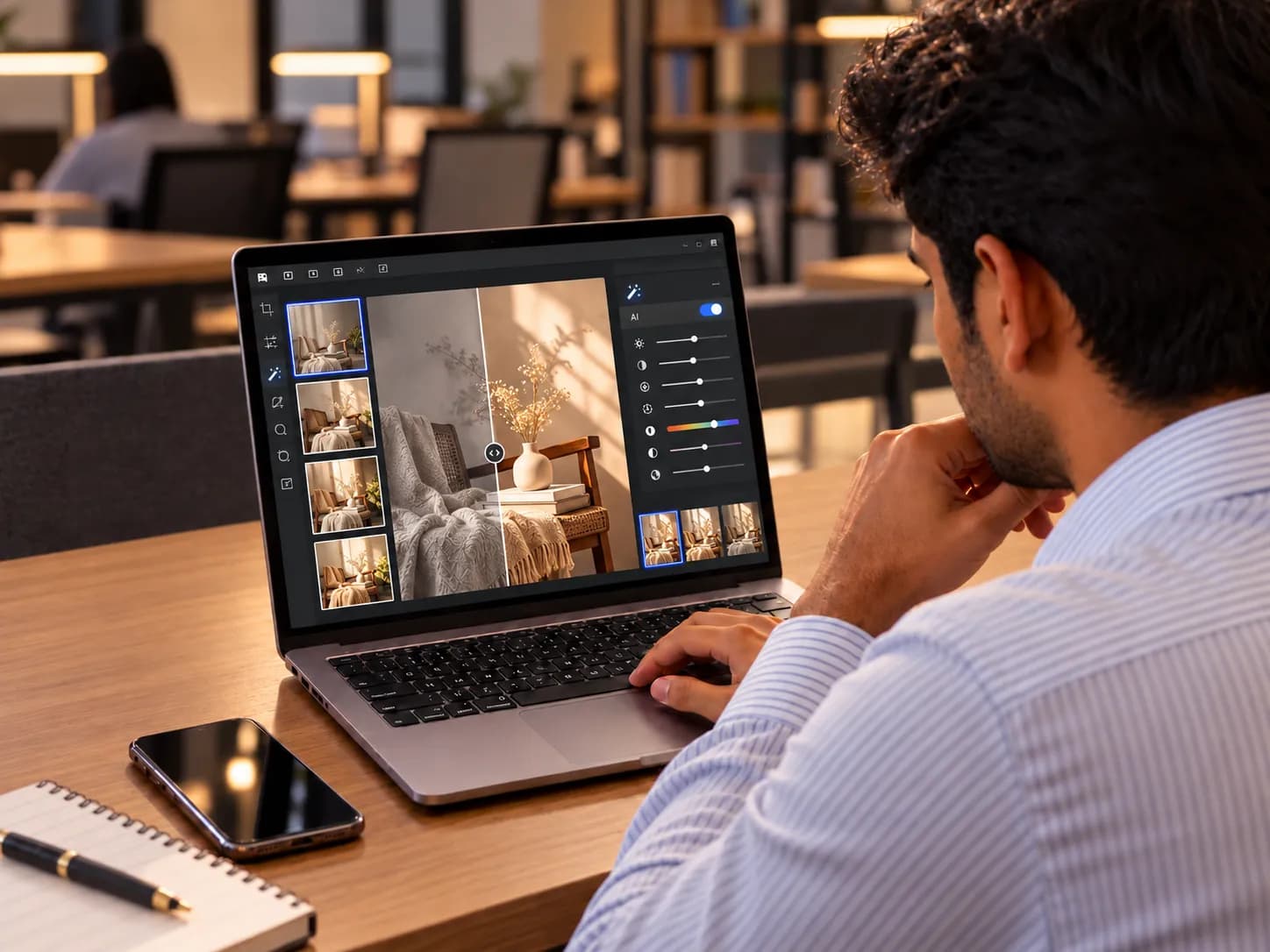
Use AI in Your Workflow
Explore industry-relevant AI tools to ideate, create and speed up your process.

Present a Professional Portfolio
Complete real-world projects and showcase your work with confidence.
Your Step-by-Step Journey to Becoming a Graphic Designer
A structured 8-week program designed to build your skills, complete real projects and create a professional portfolio with expert guidance.
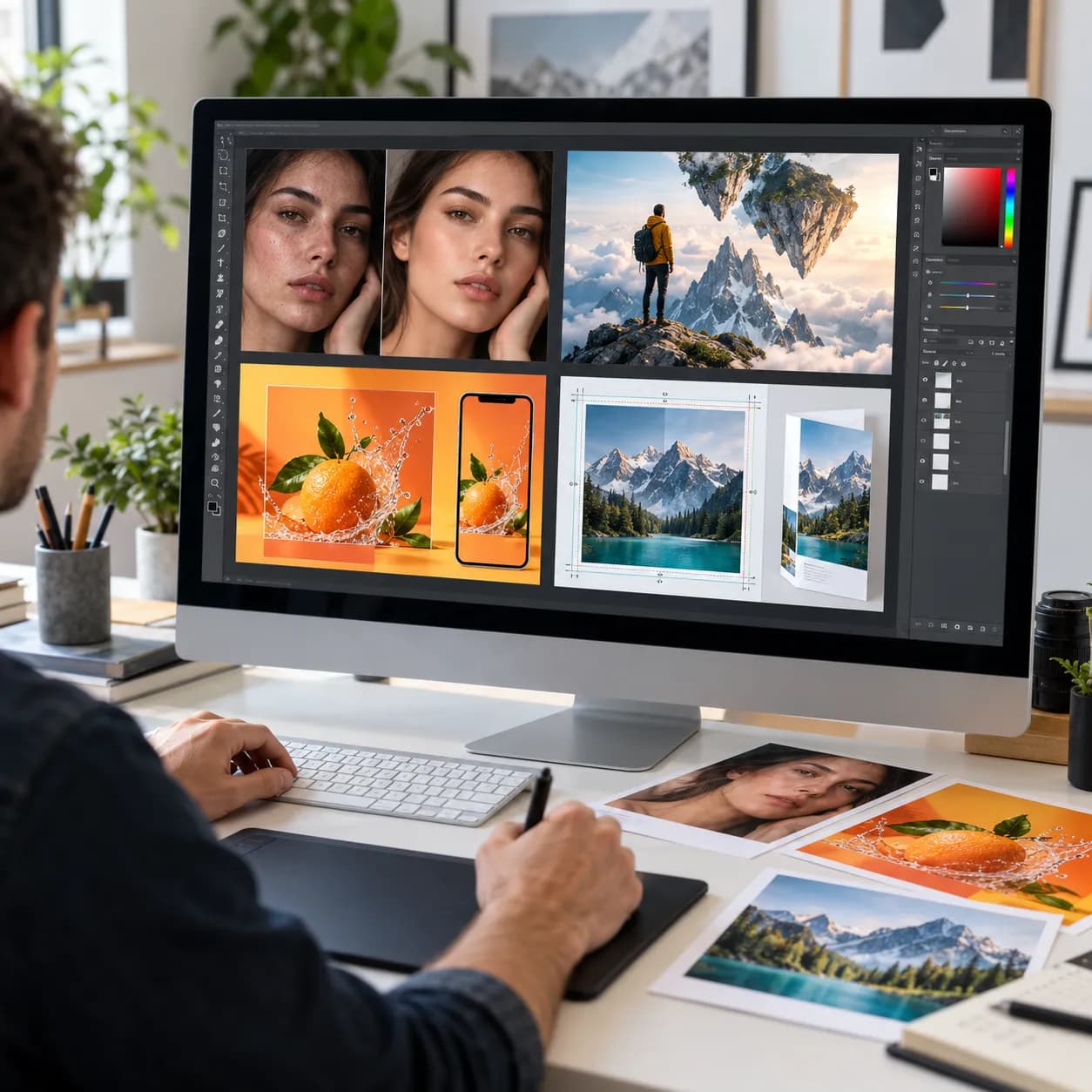
Adobe Photoshop
- Image editing & retouching
- Creative compositions
- Social media & ad designs
- Print-ready artwork
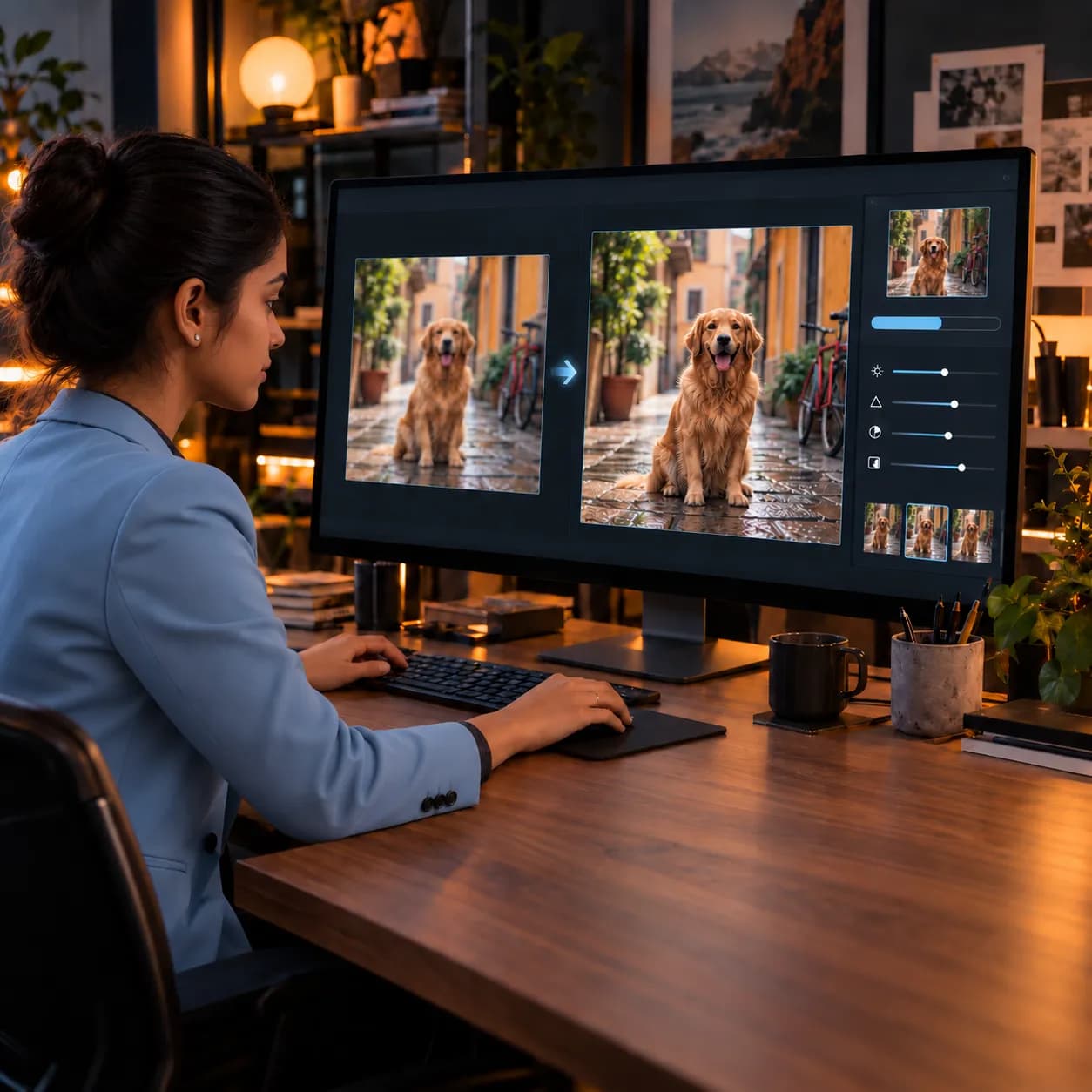
AI Tools & Workflows

- Generate visuals with AI
- Create concepts & mockups
- Improve and edit images
- Practical workflows for real projects
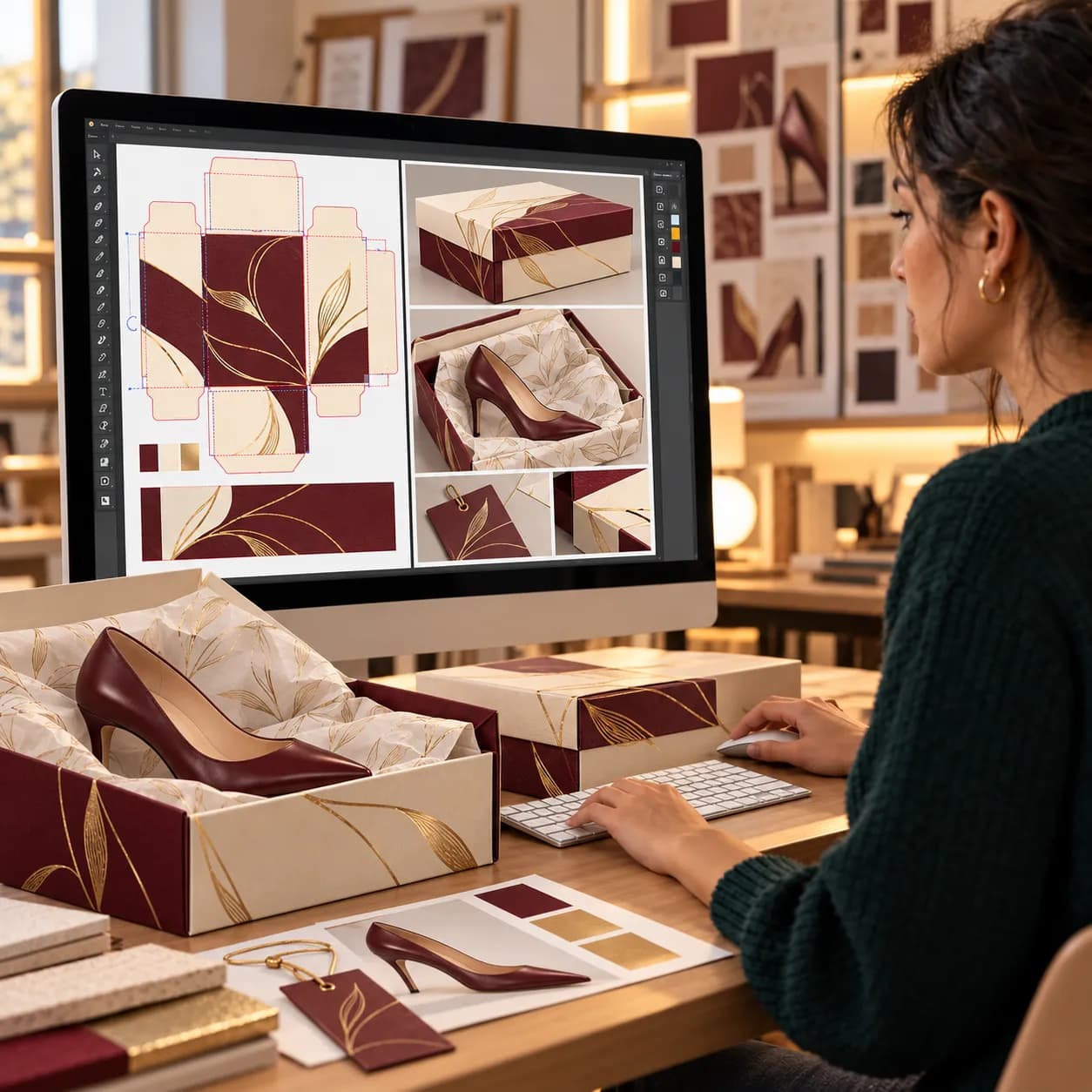
Adobe Illustrator
- Logo & icon design
- Packaging design
- Brand identity & guidelines
- Print-ready vectors
Real Projects. A Professional Portfolio.
Work on industry-relevant projects and build a portfolio that you can use to apply for jobs or freelance work.
Learn From Anywhere
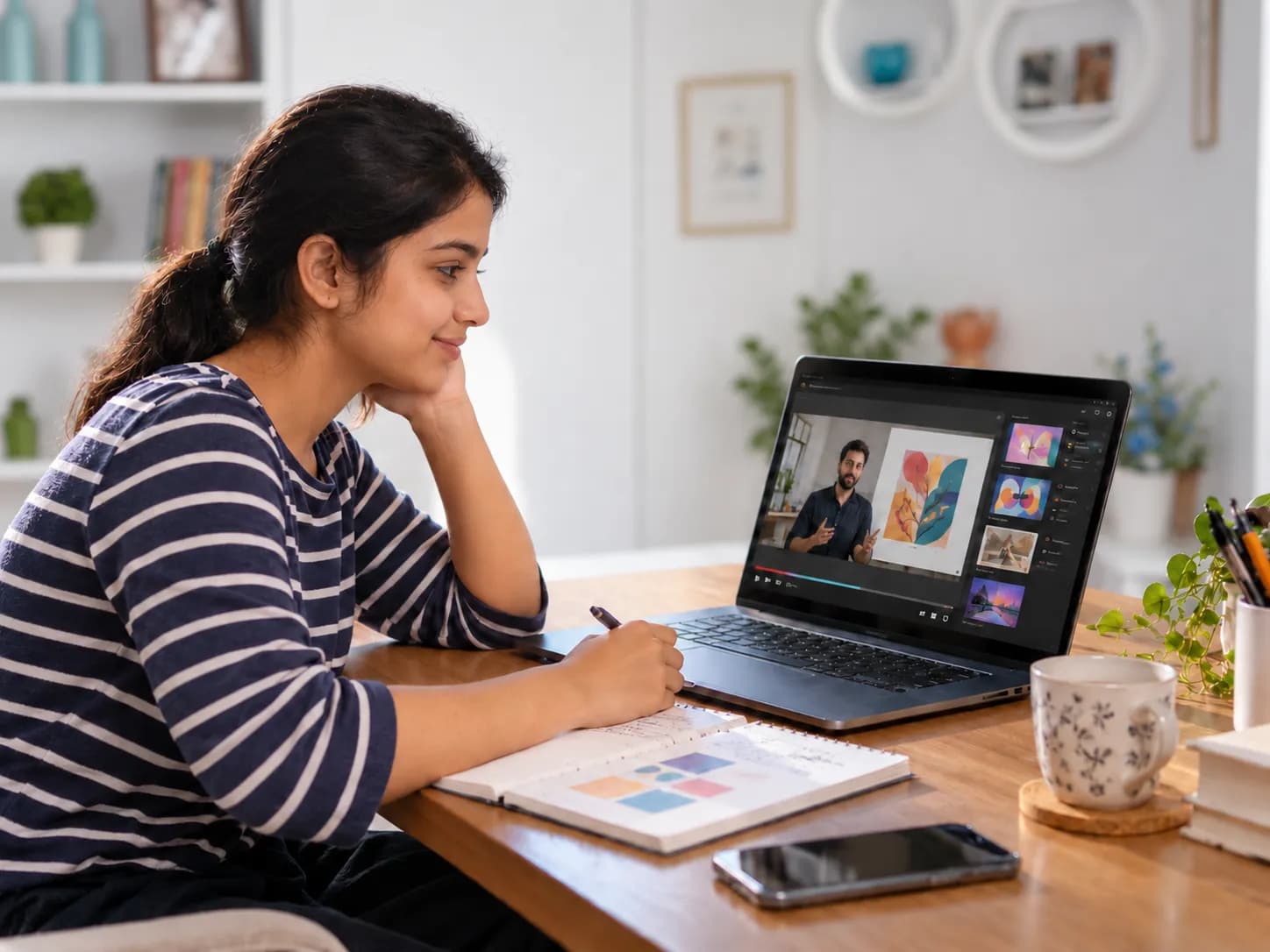
Attend live classes, access recordings and learn at your own pace — from the comfort of your home or anywhere in the world.
Live Interactive Classes
Learn directly from industry experts
Recorded Sessions
Revisit classes anytime
Flexible Schedule
Learn at your own pace
Doubt-Solving Support
Get help whenever you need it
Course at a Glance
Start designing with confidence — hands-on live mentorship built from the ground up for beginners with no prior experience.
Frequently Asked Questions
Find answers to common questions about the course, learning process, projects and certification.
Ready to Start Your
Graphic Design Journey?
Book a demo class and get all your questions answered. See the course, learn about the projects and experience our teaching style.